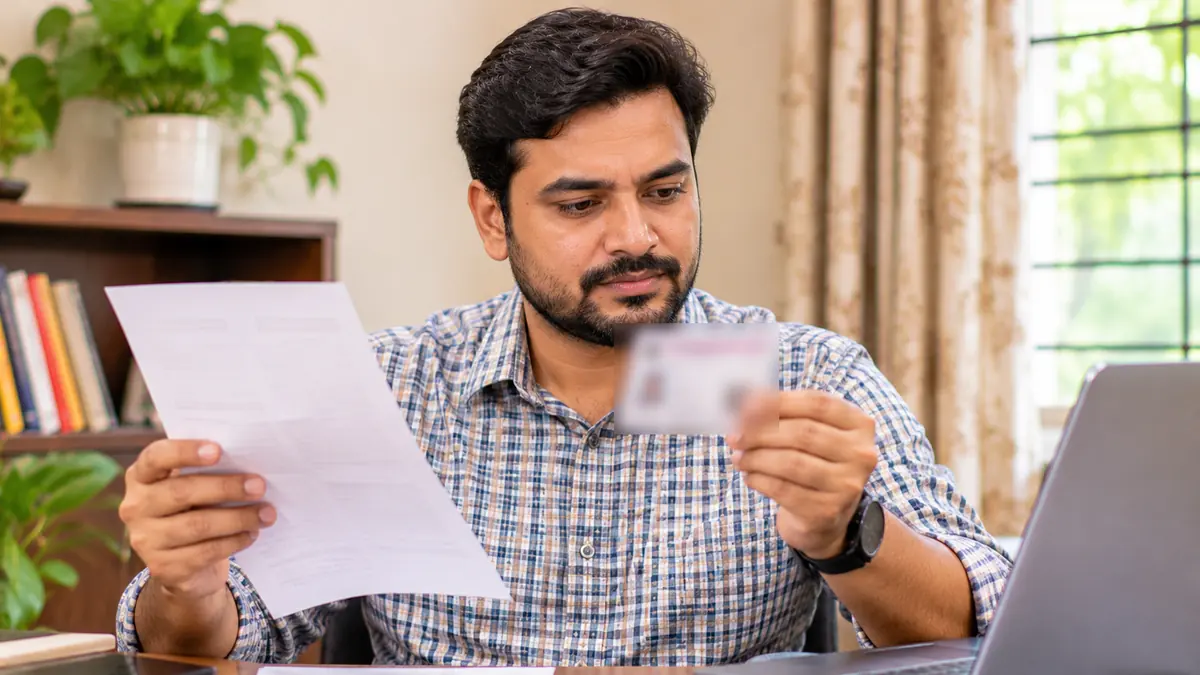
What Form 8 is used for
- Correcting an entry, such as your name, age, relative's name, photo or mobile number.
- Shifting your residence to a new address.
- Getting a replacement voter card when the old one is lost or damaged.
- Marking yourself as a person with disability, so that help can be arranged at the polling station.
Steps to apply online
- Open voters.eci.gov.in and log in with your mobile number and OTP.
- Choose Form 8, say whether it is for yourself or a family member, and enter the EPIC number.
- Choose "Correction of entries" and tick the details you want to change.
- Type the correct detail exactly as it is written in your document, and upload that document.
- Submit, and save the reference number to track your application.
Documents that help
| What you are correcting | Commonly used documents |
|---|---|
| Name | Any government document that shows the correct spelling, such as a passport, a school board certificate or a gazette notice of a name change |
| Date of birth or age | Birth certificate, class 10 or class 12 board certificate, or Indian passport |
| Address | Electricity, water or gas bill, bank or post office passbook, registered rent or sale deed, or revenue record |
The form lists the documents it accepts for each change, and the document can be in your own name or in the name of your parent or spouse. The officer may ask for another document.
Mistakes to avoid
- Typing the new detail differently from the document. Copy the spelling and date exactly as they are in the document you upload.
- Uploading a blurred, cut or dark photo of the document. Take it in daylight, with all four corners visible.
- Choosing the wrong option. Use "Correction of entries" to fix a detail, and "Shifting of residence" only when you have moved house.
- Applying again and again for the same change. Track your first application with its reference number before you apply again.
After you apply
Your Booth Level Officer may visit or call to verify the change, and the Electoral Registration Officer then approves or rejects it. Track the status on voters.eci.gov.in with your reference number. After approval, your record in the voter list is updated and you can download a fresh e-EPIC.
Small differences matter during SIR. If your name or date of birth is not the same on your voter ID and your Aadhaar, correct it early. Our free mismatch check shows the differences in a minute.
Frequently asked questions
Is Form 8 free?
Yes. Filling Form 8 on voters.eci.gov.in is free.
Can I correct the details of a family member?
Yes. In Form 8 you choose whether the application is for yourself or for a family member, and enter their EPIC number.
Will I get a new voter card after the correction?
Yes. After approval a new card with the corrected details is printed and sent by post. Under the Election Commission's procedure of June 2025 it is to reach you within 15 days of the update, with an SMS at each stage.
Can I add or change my mobile number with Form 8?
Yes. Choose "Correction of entries" and tick Mobile Number. A linked mobile number is needed to download your e-EPIC.
Want us to do it with you?
Send your details on WhatsApp. Our team checks your voter record and tells you exactly what to do next.
Sources
- SCC Times: ECI introduces new procedure for delivery of voter cards within 15 days (19 June 2025)
- Election Commission of India: guidelines for Form 8 (PDF)
- ThePrint / PTI: documents accepted for date of birth and residence (31 August 2026)
- Election Commission of India: Voters' Service Portal
SIR Mitra is a private help service, not the Election Commission of India. Rules and dates can change, so always confirm on eci.gov.in or with your Booth Level Officer.